A minimalist phone is a boundary made physical. It can remove infinite feeds, app-store drift and the reflex to turn every idle moment into input. It can also remove maps, group-message reliability, authentication apps, accessible interfaces and emergency tools that a person genuinely needs.
The right question is not “Which phone is purest?” It is “Which functions must travel with me, which compulsions am I trying to interrupt, and what failure will I accept when the simplified device cannot do the job?”
Define the job before the device
Write two lists. The first contains functions that must work away from home: calls, specific messaging, directions, transit passes, two-factor authentication, camera, music, medical apps or family location. The second contains the behaviors you want to make harder: social feeds, news refreshes, work email, video, browsing or shopping.
A device is a fit when it preserves the first list and adds enough friction to the second. If it breaks a safety, caregiving, disability or employment need, the minimalism is cosmetic. If it preserves every entertainment pathway, it may be a stylish replacement rather than a behavioral change.
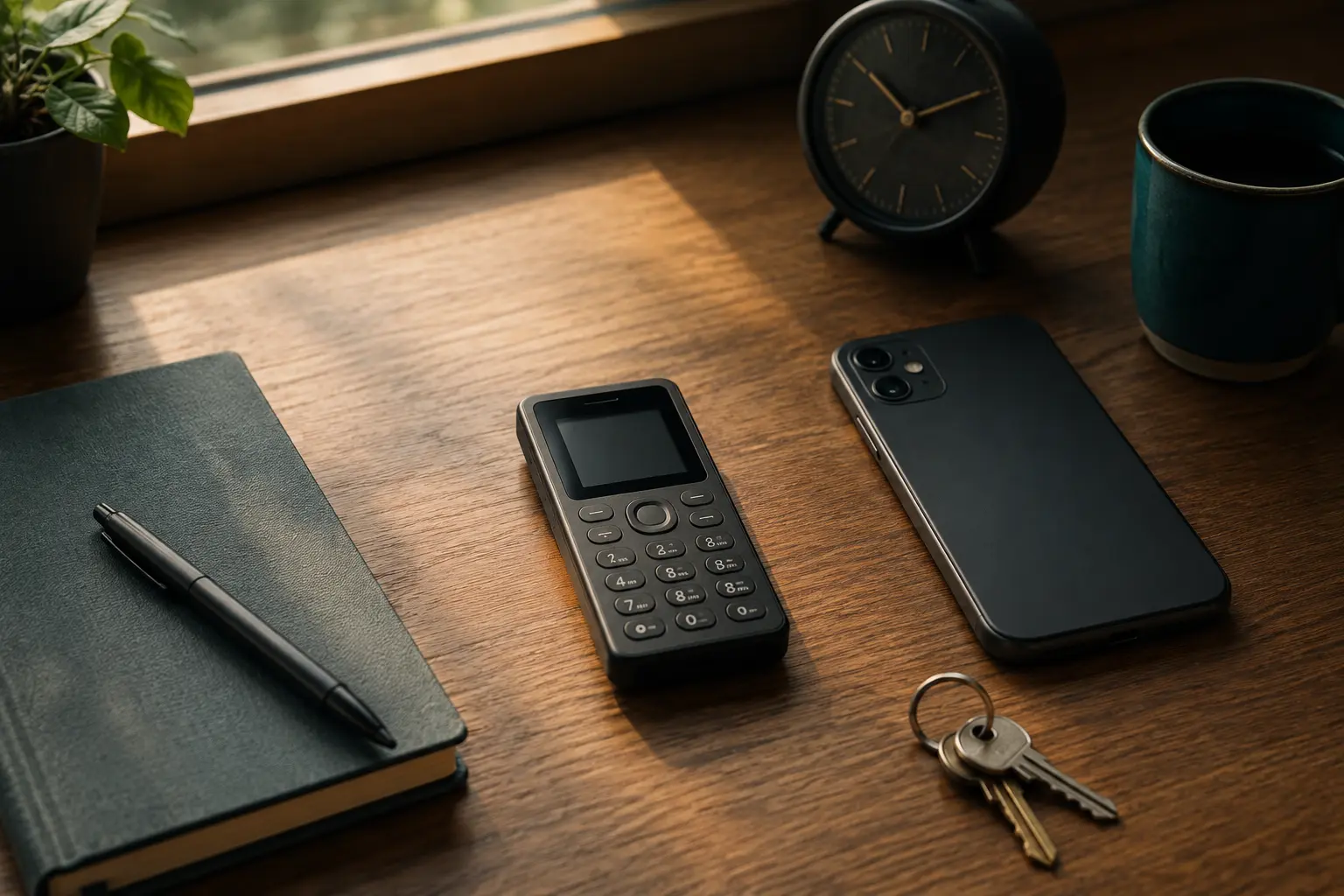
Compare the parts marketing pages minimize
- Carrier fit. Confirm bands, activation, eSIM or physical SIM requirements and voice-over-LTE support with both maker and carrier.
- Essential tools. List maps, messaging, tickets, banking, authentication and accessibility needs by name.
- Security support. Ask whether the platform and device still receive fixes, not only whether the marketing page says “secure.”
- Migration friction. iMessage, RCS, group messages, contacts and number transfer can fail in ways that look like social silence.
- Emergency behavior. Verify calling, location, medical information and backup power for your region and plan.
- Computer dependence. Some minimalist devices move configuration, calendar or media management to a web dashboard.
- Reversibility. A trial should preserve a route back without losing messages, authentication or the phone number.
Light Phone III: deliberate limits with optional tools
The Light Phone III is built around calling, messaging and a curated set of optional tools rather than a general app store. Official support describes tools managed through the Light Dashboard and documents functions including camera, directions, notes, calendar, music, podcasts, hotspot and directory, with exact availability changing through software updates.
The phone requires a Light Account for intended use and an active SIM. Light publishes a carrier compatibility checker. Its current U.S. support page says T-Mobile works, AT&T and Light service work, and an already-active Verizon SIM can be transferred, while new Verizon activation is not yet available. That statement is volatile; verify it for your carrier and location before ordering or moving a number. Light also instructs switchers to disable iMessage or RCS as applicable.
Fits: someone who wants a modern-looking, intentionally constrained primary or secondary phone and can live within its curated tool set. Tradeoff: there is no ordinary app-store escape hatch when a required service assumes iOS or Android. Dashboard and Light Account dependence are part of the system, not incidental details.
Do not buy it on the promise of a future tool. Buy only if the documented current functions cover the essential list. Test group messaging, navigation, contact sync and hotspot behavior during the return window.
Punkt MP02: narrower hardware with a serious support caveat
Punkt positions the MP02 around calls, texts and 4G tethering, with Pigeon for Signal-compatible encrypted communication. Official specifications list an unlocked nano-SIM phone, 4G LTE, Wi-Fi, Bluetooth, USB-C, GPS and IP52 ingress protection. Carrier and regional band compatibility still need to be checked against the exact model and network.
The critical tradeoff is in Punkt's own specifications: the page says the last security update was August 5, 2021 and that no further Android or vendor updates are planned. That does not prove the phone is currently compromised. It does mean buyers should not treat “minimalist” as a synonym for actively maintained or low-risk. A network-connected device without planned platform fixes deserves a narrower threat model and shorter list of sensitive uses.
Fits: a person who specifically values tactile calling, texting and hotspot use, understands the software-support boundary and does not plan to place high-value accounts or sensitive workflows on it. Skip: anyone who needs current platform maintenance, broad app compatibility or seamless rich group messaging.
The locked-down smartphone: the strongest no-buy option
An existing iPhone or Android phone can preserve authentication, maps, accessibility and family logistics while removing much of the temptation surface. Apple Screen Time supports Downtime, App Limits and Always Allowed choices. Android Digital Wellbeing supports app timers, Focus mode, notification controls and scheduled modes, though exact features vary by manufacturer and version.
The weakness is reversibility. If you control the passcode and can restore every app in thirty seconds, a tired version of you eventually will. Put the Screen Time or app-limit PIN with a trusted partner if appropriate. Remove the browser and app store from the first screen. Sign out of the worst feeds. Turn off nonhuman notifications. Use grayscale only if it changes behavior rather than becoming a badge.
Fits: most people testing the premise. Tradeoff: the capability remains present, so the boundary depends on configuration and social agreement rather than hardware.
Run a fourteen-day trial before buying
- Export recovery codes and confirm that essential authentication works without the old app arrangement.
- Write the must-travel list and remove everything else from the first home screen.
- Enable Downtime or Focus mode on a schedule that covers mornings, meals and the final hour before sleep.
- Set app limits for the two most reflexive categories. Have another person hold the override code if that relationship supports it.
- Carry a paper card with essential phone numbers and one written route during the first weekend.
- Record each time the configuration blocks a genuine need and each time it interrupts an empty reflex.
- After two weeks, separate tool failures from withdrawal discomfort. Only shop if dedicated hardware solves a pattern the configuration could not hold.
If you buy, migrate without disappearing
Do not port the number on day one. Use a spare SIM or temporary service if practical and permitted. Test calls in the places that matter, group messages with both iPhone and Android contacts, voicemail, emergency contacts, hotspot, directions and Bluetooth. Keep the smartphone charged but out of reach for authentication and tickets during the trial.
Before moving from iPhone, follow Apple's current deregistration guidance for iMessage. Before moving from Android messaging, disable RCS using current Google or device instructions. Tell close contacts that rich reactions, images or group threads may behave differently. Minimalism that makes family members troubleshoot your choice is poorly designed.
Who should skip a minimalist phone?
- People whose work requires secure, maintained mobile apps or device management.
- Anyone who depends on specific accessibility, medical, transit or safety tools not documented on the device.
- Families whose coordination relies on rich group messaging and shared location that the device cannot reliably provide.
- People seeking status, purity or a purchase high rather than a specific behavioral boundary.
- Anyone unwilling to verify carrier compatibility and return terms before moving a primary number.
A sober decision rule
Start with the locked-down smartphone. If it preserves every essential function but the boundary repeatedly collapses, Light Phone III offers a deliberately limited current platform—subject to compatibility and tool checks. Punkt MP02 offers an even narrower interaction, but its published update status is a decisive caveat, not fine print.
Whatever device you choose, pair it with a practice. Run an Analog Saturday, rebuild the digital environment, or add a website blocker where hardware cannot help. Attention is a relationship among device, setting, habit and obligation. No handset can carry all four.
Official sources and volatile details
- Light Phone, Light Phone III introduction and compatibility notes and specifications.
- Punkt, MP02 product, connectivity and security-update specifications.
- Apple Support, Screen Time controls; Android Help, Digital Wellbeing controls.
Carrier activation, network coverage, plans, availability and software features change. Verify the exact device, region and carrier before purchase or number transfer.
END OF FIELD GUIDE 029
Keep the question. Test the model.
Choose the narrowest claim the evidence can carry, then leave room for revision.