A notification setting is a routing decision. It says which event may cross the boundary into the current moment, how forcefully it may arrive and whether it can wait. Most devices present that policy app by app. Human life is organized by consequences: a child's call may matter now, a bank alert may matter today, and a sale notification may never matter.
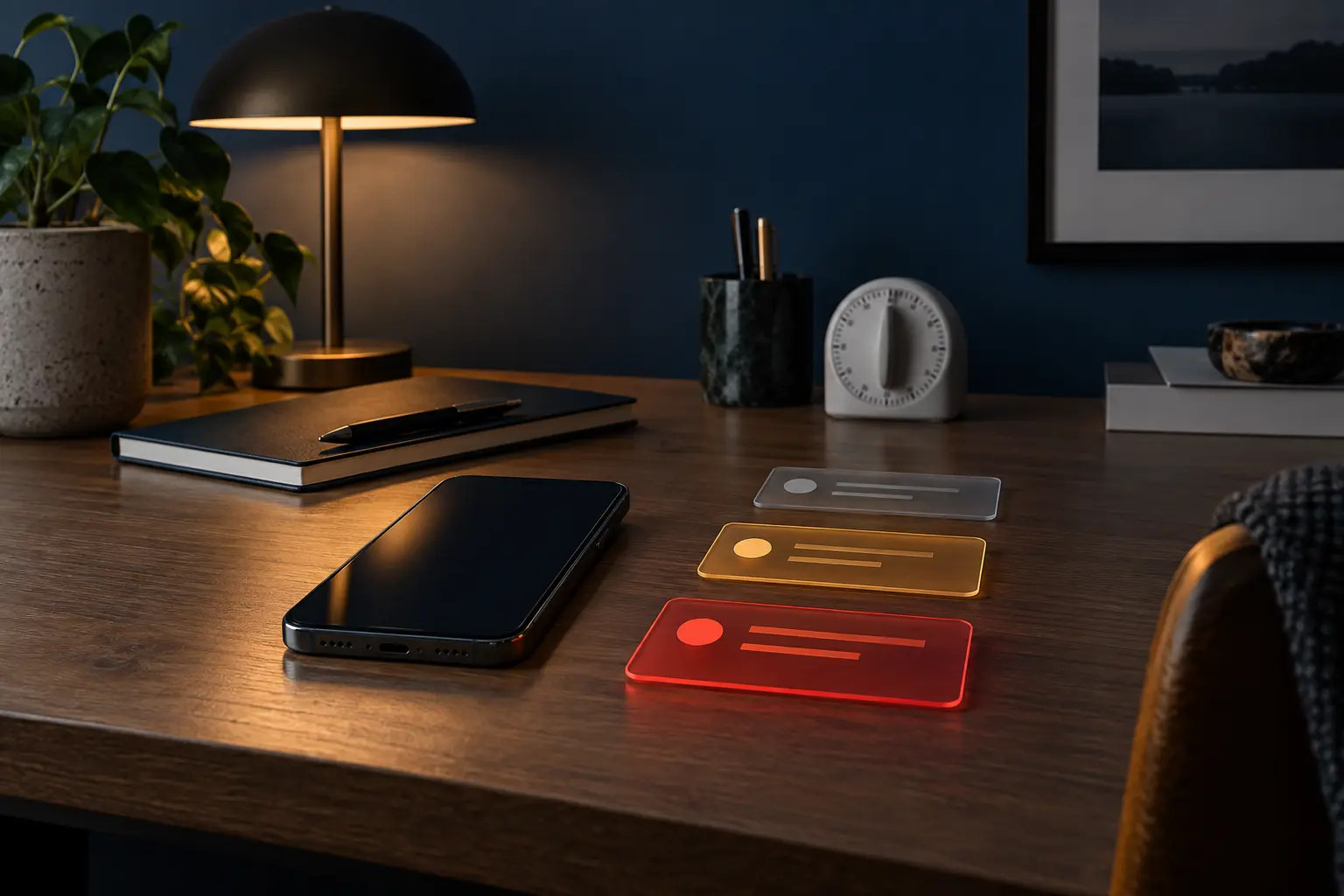
An escalation ladder starts with events rather than apps. It creates three routes—silent reference, scheduled delivery and interrupt now—then assigns people and event types to the narrowest route that still protects the real obligation.
Start with a seven-day interruption inventory
Do not begin by turning everything off. For one ordinary week, record the notifications that actually interrupt you. Capture the sender or event, channel, time, action required and what would have happened if you had seen it two hours later.
Separate notification volume from notification cost. One emergency call can matter more than two hundred badges. Ten work messages may be necessary but still not require ten immediate context switches. The inventory should reveal both unnecessary traffic and necessary traffic taking the wrong route.
Use the existing seven-day attention reset if you need baseline measures such as pickups and completed focus blocks. The ladder is the deeper routing layer: it decides what should be able to produce those pickups in the first place.
The three-tier ladder
| Tier | Arrival behavior | Good candidates | Failure to prevent |
|---|---|---|---|
| 1. Silent reference | No sound, vibration or lock-screen demand; available when you open the app | Promotions, reactions, routine status updates, most feeds | Optional information governing the moment |
| 2. Scheduled delivery | Collected for chosen review windows | Routine messages, project updates, news digests, nonurgent account activity | Useful information becoming continuous interruption |
| 3. Interrupt now | Sound or vibration with defined bypass rules | Named caregivers, safety systems, time-sensitive travel or account events | A high-consequence event waiting inside a silent queue |
The tiers are not moral rankings. Silent does not mean worthless. Interrupt-now does not mean important in every context. A flight gate change can be interrupt-now for two hours and irrelevant afterward. Good notification policy is conditional.
Define events before touching settings
Write a short policy in plain language. Examples: “Calls from household members may interrupt at any time.” “Direct work messages are checked at 10:30, 1:30 and 4:30 unless the on-call number is used.” “Financial transactions above the threshold set in the bank are immediate; weekly balances are scheduled.”
Avoid category labels that hide too much. “Messages” may contain family emergencies, automated codes and group chatter. “Security” may contain login warnings and product marketing from the same company. The event definition should identify who or what happened, the consequence of delay and the expected action.
Translate the policy into device controls
On iPhone, Apple's current Focus documentation describes allowing or silencing selected people and apps, linking Focus modes to contexts and customizing screens. Names and menus can change by software version, so use the current guide for the installed system rather than memorizing a screenshot.
On Android, apps can divide notifications into channels or categories. Google's official notification-channel documentation explains that users control channel behaviors and can choose which categories are intrusive or visible. The exact categories depend on the app. Inspect them rather than assuming one switch controls every event.
Configure in this order: people and emergency routes, operating-system alerts, account and travel alerts, work communication, ordinary messages, then everything else. That order protects the safety layer before reducing noise.
Preserve a real emergency path
Silence without an agreed escalation path is not a system. Tell the people who may genuinely need you how to reach the interrupt-now tier. That might be a phone call, repeated call, named contact, on-call number or household phrase. Do not require an elderly relative or child to remember a complicated workaround during stress.
Keep official public-safety alerts distinct from app-generated “breaking news.” In the United States, the FCC's Wireless Emergency Alerts guide describes authorized geographically targeted alerts and the device settings that may apply. Availability, alert classes and controls vary by device and jurisdiction. Review current official guidance before changing them.
Accessibility and medical needs override a generic focus system. Alarm sounds, assistive notifications, monitoring devices and medication reminders can have consequences that a minimalist template cannot see. Preserve them, then reduce competition around them.
Run failure tests
- Urgent contact test: with permission, have a designated person use the agreed route while the strictest focus mode is active.
- Scheduled queue test: send a nonurgent message and confirm it appears in the intended review window without sounding.
- Travel test: verify that a time-sensitive calendar or transportation alert can surface during a temporary trip mode.
- Sleep test: confirm alarms and necessary safety alerts work while optional messages remain quiet.
- Fallback test: turn off Wi-Fi or place the phone in a realistic low-connectivity condition and verify the emergency plan does not depend on one fragile app.
Tests should be announced. Do not manufacture emergencies or test people without consent. The goal is to discover configuration errors while the stakes are low.
The escalation worksheet
| Event | Maximum safe delay | Route | Fallback | Review trigger |
|---|---|---|---|---|
| Household emergency | Minutes | Interrupt-now call from named contacts | Repeated call or alternate caregiver | Contact or device changes |
| Routine work update | Several hours | Scheduled message windows | On-call route for true incidents | Role or duty changes |
| Bank transaction alert | Depends on threshold | Immediate for chosen risk events | Daily account review | New account or fraud experience |
| News and commentary | Usually a day or more | Silent or scheduled | Official emergency alerts | Travel or local hazard |
| Promotions and engagement | None | Silent or disabled | Open deliberately when needed | No review required |
For teams: separate service levels from social pressure
If every work message is “urgent,” the organization has not defined urgency. Create a visible service level: which channel is monitored, by whom, during what hours and what response time it promises. A chat mention should not become an unofficial pager merely because colleagues fear appearing unresponsive.
Managers should model the distinction. Scheduled sending, clear subject lines and explicit deadlines reduce ambiguity. An after-hours message can be written now and delivered later. When on-call coverage is necessary, rotate it and provide a single route. Focus becomes possible when responsibility is legible.
Review the ladder monthly
Applications add categories. Jobs and caregiving roles change. A quiet channel starts marketing. Once a month, inspect notification history and ask: which interruptions required immediate action, which necessary event arrived late, and which route no longer serves a real obligation?
Change one rule at a time, then observe for a week. If you repeatedly override the same setting, the policy may be unrealistic—or the environment may be exploiting a weak boundary. Pair the ladder with deliberate access friction when silence alone leaves a compulsive checking loop intact.
Who should not use a strict template
Do not copy another person's settings if you provide emergency response, operate safety-critical equipment, rely on accessibility alerts, manage unstable medical needs or work under formal on-call requirements. Build with the responsible professional, employer policy, device manual or care team. This guide supplies a decision structure, not permission to mute a duty.
Official references
- Apple iPhone User Guide: set up a Focus.
- Android Developers: create and manage notification channels.
- FCC: Wireless Emergency Alerts.
END OF FIELD GUIDE 058
Keep the question. Test the model.
Choose the narrowest claim the evidence can carry, then leave room for revision.