A Bluetooth item tracker is a small radio attached to an object. Nearby, your phone can often make it sound or estimate proximity. Far away, the tag usually depends on other compatible phones noticing its Bluetooth broadcast and relaying an encrypted or account-bound location through a finding network. It is not a tiny satellite receiver with a permanent map connection.
That architecture makes the ecosystem more important than the shape of the tag. An AirTag belongs to Apple's Find My network. Tags built for Google's Find Hub use Google's network. Tile uses the Tile/Life360 system. Some manufacturers sell different models for different networks; a shared brand name does not make the versions interchangeable.
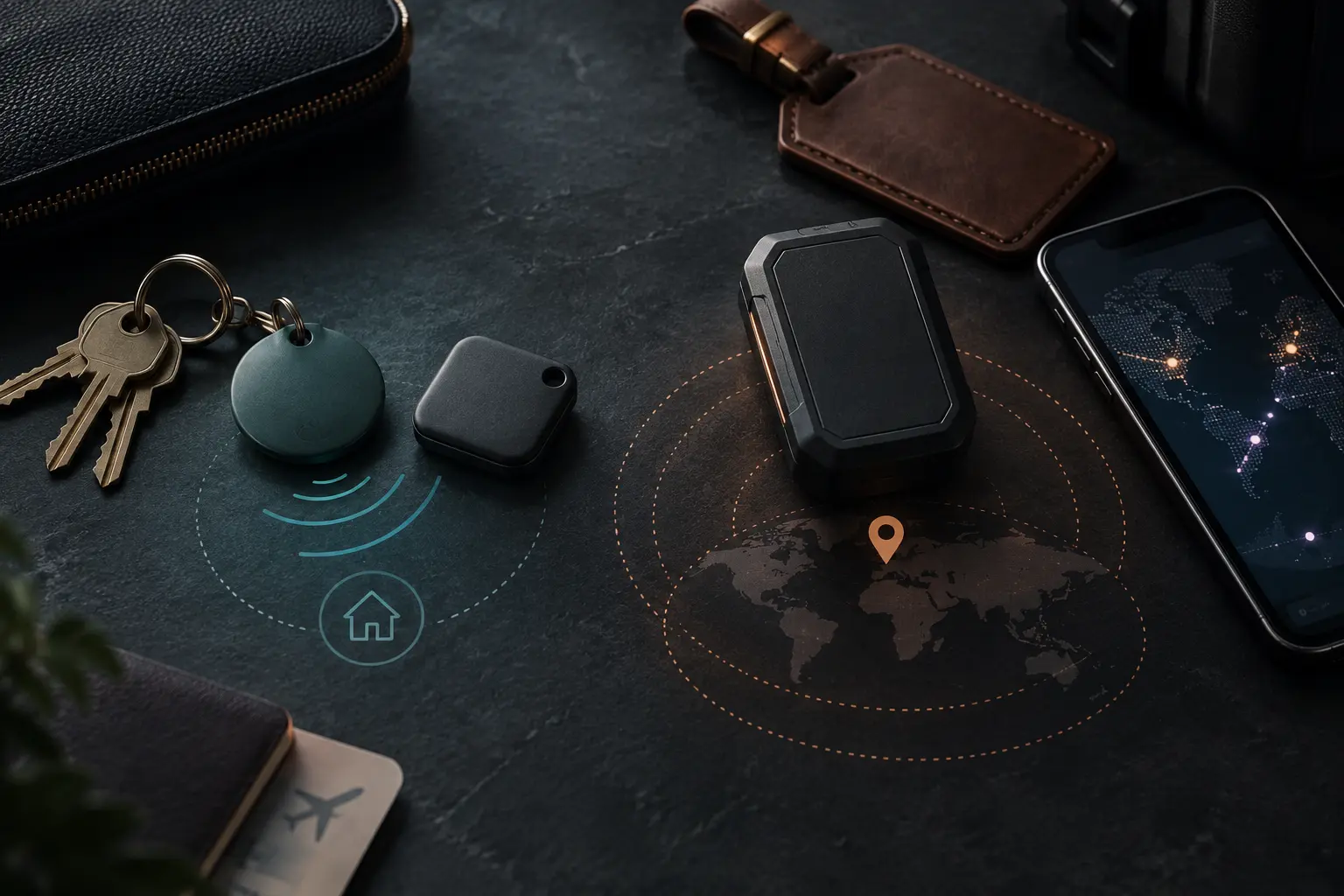
Four layers do four different jobs
- Bluetooth proximity: the tag and a nearby phone can communicate over short range. The app may show signal strength or play a sound.
- Precision finding: some tag-and-phone combinations add Ultra Wideband for more directional nearby guidance. Bluetooth support alone does not guarantee it.
- Crowdsourced finding network: participating phones can report where they detected a separated tag. Results depend on compatible devices passing near it and on network settings.
- Account and app: ownership, sharing, lost mode, notifications, history and recovery live in an ecosystem—not in Bluetooth itself.
Apple's published AirTag specifications, for example, list Bluetooth, a U1 chip for Ultra Wideband, NFC for Lost Mode, a speaker and a replaceable CR2032 battery. Those facts describe AirTag, not every Find My accessory. A certified card-shaped wallet tracker may use a rechargeable battery and may not provide the same precision feature. Read the exact product manual.
Google explains that Find Hub can locate compatible offline devices and tracker tags through a crowdsourced network of Android devices. Its documentation also exposes participation choices, including network behavior in busy places or everywhere. A tag cannot create network density by itself.
Compare the systems before the products
| System | Best initial fit | What to verify | Primary tradeoff |
|---|---|---|---|
| Apple Find My | Household already centered on supported Apple devices and accounts | Exact accessory certification, phone support, UWB availability, sharing and attachment | Strong ecosystem fit can become lock-in |
| Google Find Hub | Android household willing to enable the required offline-finding settings | Exact tag compatibility, Android/lock-screen requirements, network mode and nearby features | Experience varies with settings, phone and nearby network participation |
| Tile / Life360 | Household that specifically wants Tile integration and accepts its account relationship | Current app requirement, free versus paid features, platform support, privacy and history controls | A separate vendor network and service policy, not automatic membership in Apple or Google finding |
“Works with iPhone and Android” can mean the vendor app runs on both platforms. It does not necessarily mean the same tag participates in both Apple's and Google's crowdsourced networks, and it never means both networks are active simultaneously unless the current manual explicitly says so.
Chipolo is a useful example of why exact model names matter. The company has sold network-specific Point and Spot lines and newer products with different setup choices. Do not buy by the word “Chipolo” alone. Verify the exact suffix, package, supported network and reset/migration procedure on the manufacturer's current page.
Define the loss scenario
A tag for keys misplaced in the house needs a loud sound, reliable nearby connection and a practical attachment. A tag for luggage needs battery rules, durable attachment, owner identification and a useful finding network at airports. A tag for a bicycle stored in a dense city raises different questions about concealment, consent, theft recovery and personal safety.
Write one sentence: “I need to find this object after this kind of separation.” Then name the conditions. Will compatible phones pass nearby? Will the object remain in Bluetooth range? Does the result need to update while moving? Can the tag be heard or removed? How long can it go without charging?
Do not promise theft recovery from an item tag. Anti-stalking safeguards are deliberately designed to alert people to trackers moving with them, and a thief may find or disable the tag. Recovery can also be dangerous; give location evidence to law enforcement rather than confronting someone.
When GPS is a different tool
A dedicated GPS tracker usually combines satellite positioning with a cellular or satellite data connection, its own power source and often a subscription. It can produce updates without waiting for a passing phone, subject to sky view, coverage, power and service. That makes it a different category rather than a premium version of a Bluetooth tag.
Use the GPS/cellular category when the asset must report during movement across sparsely populated areas and the size, charging, plan and legal use are acceptable. Verify exact coverage, update interval, roaming, data retention and shutdown behavior. For aircraft, vehicles, pets, employees, vulnerable people or property you do not own, follow current carrier, airline, employer, local-law and consent requirements. A consumer item tracker is not a substitute for an emergency beacon, navigation equipment, medical device or supervised-care plan.
The pre-purchase fit card
| Field | Record before buying | Why it matters |
|---|---|---|
| Owner phone | Exact phone model and operating-system version | Controls app, UWB and alert support |
| Finding network | Apple Find My, Google Find Hub or Tile/Life360 | Defines the remote-finding population |
| Nearby method | Sound, Bluetooth gauge or directional UWB | Determines room-level finding |
| Power | Replaceable cell or rechargeable battery; stated service procedure | Changes maintenance and downtime |
| Attachment | Built-in hole, holder, card shape or adhesive mount | A loose tag does not protect the object |
| Environment | Current ingress rating and temperature limits | Marketing words like “water resistant” are incomplete |
| Return path | NFC/contact message or vendor lost mode | Helps an honest finder return the item |
| Account recovery | Protected primary account, MFA and recovery method | The map is only as available as the account |
| Sharing | Who can see the item and how access is revoked | Prevents accidental persistent access |
Treat anti-stalking safeguards as a floor
Apple says compatible trackers separated from their owner can trigger unwanted-tracking alerts and sounds, and its support guidance covers locating and disabling an unknown item. Android also provides unknown-tracker alerts for compatible devices. The IETF Detecting Unwanted Location Trackers working group is developing a standard threat model and protocol work around this problem.
These safeguards reduce risk; they do not make covert tracking acceptable or impossible. Never attach a tracker to a person, their vehicle, their bag or property you do not own without clear authority and informed consent. Do not disable safety features to make a tracker harder to discover.
If a phone reports an unknown tracker moving with you, follow the platform's current safety instructions. Preserve the alert and identifying information when safe. If you believe you are at risk, move to a safe public place and contact local law enforcement or a qualified victim-safety service. Turning off your phone's Bluetooth may not stop the tag itself from being located by other devices.
The account and data check
- Read the current privacy notice for location, identifiers, diagnostics, sharing and retention.
- Check whether location history exists, how long it remains and whether it depends on a paid plan.
- Use a unique account password and the strongest supported multifactor method.
- Review item sharing after trips, household changes and device transfers.
- Remove the tag from the old account before resale or disposal and follow the documented reset process.
- Keep the operating system and finding app supported; an old phone may miss both features and safety alerts.
A data-minimization review can help decide whether history, household sharing and background permissions still serve the purpose after setup.
What not to buy
- A tag whose exact finding network is absent from the package or official manual.
- A UWB claim without a compatible phone list and a description of what the feature actually does.
- A sealed rechargeable wallet card when its service life and replacement path do not fit the use.
- A “GPS” listing that is only a Bluetooth tag using a phone network.
- A tracker for remote wilderness safety, marine distress or emergency signaling.
- A device chosen for covert tracking, disabling alerts or monitoring another person without consent.
- A subscription-dependent feature when the ongoing plan, cancellation behavior and data retention are unclear.
Who each option fits
Apple Find My: fits an Apple-centered household that wants item finding inside its existing account and device system. Google Find Hub: fits an Android-centered household prepared to verify the tag, phone and offline-network settings. Tile/Life360: fits someone who deliberately wants that vendor's app and current service model rather than assuming access to an operating-system network. GPS/cellular: fits a lawful, consent-based use that truly requires independent movement updates and can support charging and service.
Within each category, choose the least elaborate device that survives the actual loss. The best tracker is not the one with the longest feature list. It is the one that belongs to the network you use, stays attached to the item and still behaves as expected when you rehearse the loss.
Commercial disclosure: Life in the Simulation has no approved affiliate program for this domain, so this guide contains no paid product links. Apple, Google, IETF, Chipolo and Life360/Tile links are direct, official and non-affiliate. No tracker was purchased, hands-on tested, rated or endorsed by the publication.
Official references
- Apple: AirTag technical specifications, for AirTag-specific radio, battery and compatibility facts.
- Apple: unwanted tracking alerts and safety response, updated March 19, 2026.
- Google: How Find Hub protects your data, for offline finding, network modes and encryption claims.
- IETF Detecting Unwanted Location Trackers working group, for current protocol and threat-model work.
- Chipolo official site and Life360 official site, for current exact-model and service documentation.
END OF FIELD GUIDE 063
Keep the question. Test the model.
Choose the narrowest claim the evidence can carry, then leave room for revision.