A dedicated scanner earns its space when paper arrives faster than a phone can process it. The important threshold is not image quality in a showroom. It is whether the feeder, software and destination remove enough friction that receipts, forms and records become searchable files before they become a pile.
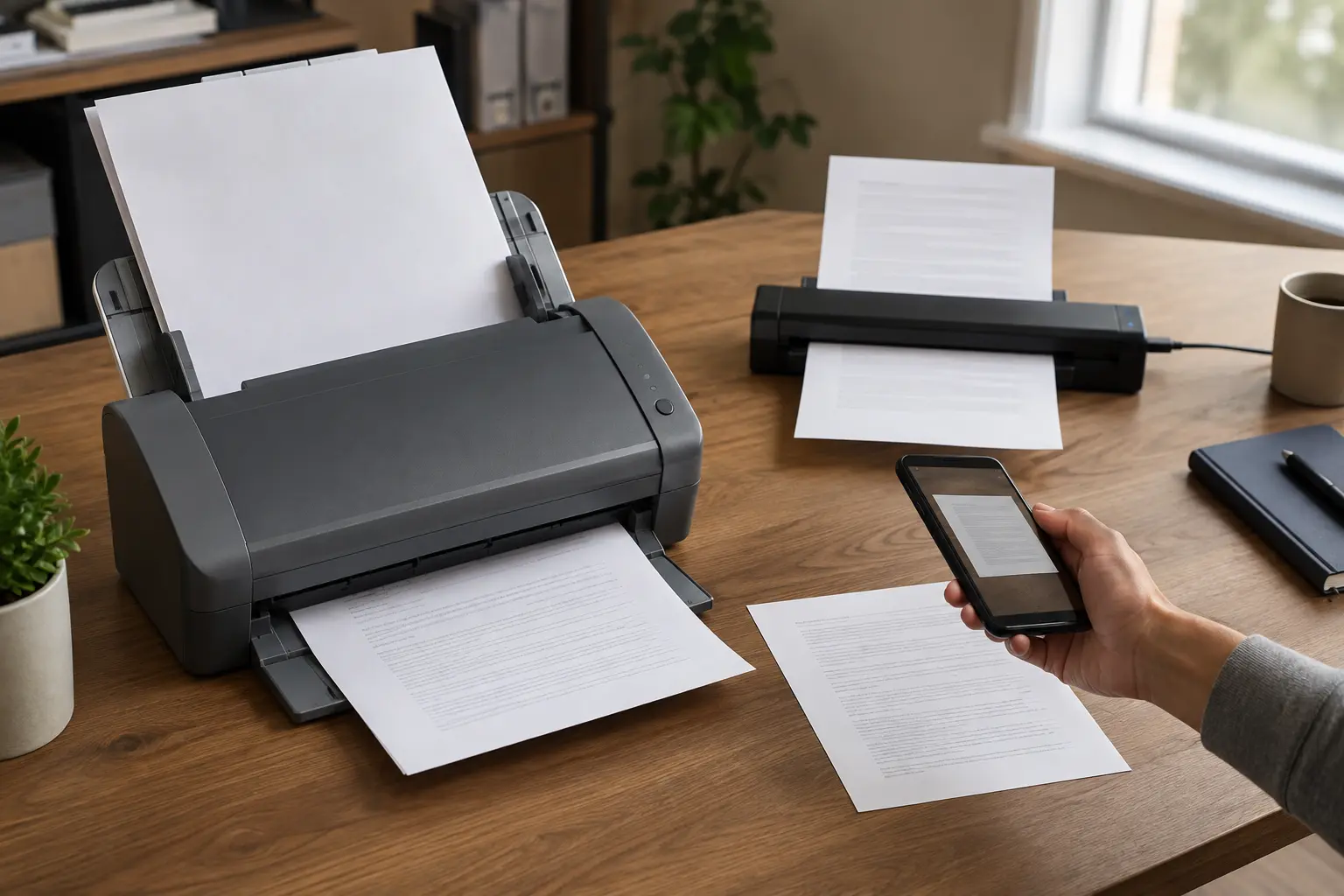
The ScanSnap iX2500 and Brother ADS-1800W solve different versions of that problem. The ScanSnap is a higher-throughput desktop appliance with a larger feeder. The Brother is materially smaller and lighter, with a smaller batch limit and broader driver-oriented workflow options. A phone remains the right answer for occasional pages.
Start with the paper, not the machine
Count what arrives during an ordinary month. Separate loose letter-size pages, duplex documents, receipts, plastic cards, photographs, bound pages and fragile originals. A sheet-fed scanner is excellent at stacks of ordinary loose paper. It is the wrong tool for books, many delicate originals and photographs that require careful color handling.
Then name the destination. “The cloud” is not a destination. Is the authoritative copy a searchable PDF in a local folder, a network share, a records app, an encrypted archive or a shared household drive? A scanner that produces files nobody can find has merely digitized the clutter.
The meaningful differences
ScanSnap iX2500: ScanSnap's current official materials specify scanning up to 45 pages per minute and a 100-sheet automatic document feeder. It is the fit for a stable desk where batches are common and reducing reloads matters. The larger machine and ScanSnap workflow are part of the bargain: evaluate ScanSnap Home, supported destinations and current operating-system requirements before buying.
Brother ADS-1800W: Brother specifies up to 30 pages per minute, single-pass duplex scanning, a 20-page automatic feeder, a 2.8-inch touchscreen, Wi-Fi and a compact 11.8 by 4.0 by 3.3-inch body weighing about 3.1 pounds. It includes TWAIN, WIA, ICA and SANE drivers according to Brother's current U.S. specification page, plus scan destinations such as computer, network folder, email server, USB storage and supported cloud workflows. Those options matter more than raw speed when a scanner must fit several systems.
Phone: Apple Notes and Files can scan multipage documents; Google Drive on Android and iOS can capture documents and save searchable PDFs. A phone has no feeder and demands alignment, lighting and page-by-page attention. It also costs nothing extra, handles bound pages and is already available at the moment a receipt arrives.
Manufacturer speed figures are maximums under specified test conditions, not promises for mixed household paper. Double feeds, curled receipts, staples, blank-page removal, OCR and file naming determine the lived speed. Treat the numbers as relative capacity signals.
Who the ScanSnap fits
Choose the iX2500 when twenty-page stacks are routine, a permanent desktop location is available and one household or small office can agree on a ScanSnap-centered workflow. A 100-sheet feeder reduces babysitting during archive projects. The higher rated speed matters when hundreds of ordinary pages must move through the same destination.
Do not buy it merely because it is faster. A large feeder does not organize files, verify OCR, identify duplicates or decide retention. Confirm that every computer and destination you need is supported. If access depends on a particular cloud connector, test how authentication, account changes and service outages affect the route.
Who the Brother fits
Choose the ADS-1800W when desk depth, portability and destination flexibility outweigh feeder size. The dedicated card slot may help with business and identification cards, while driver support can matter to people using established document software. Its 20-page feeder is enough for short forms and statements but will require more intervention during a full filing-cabinet project.
Brother lists a maximum daily duty cycle of 1,000 pages. That is an upper operating specification, not a target or evidence that the smaller feeder is pleasant at that volume. If the normal job is several hundred pages at once, buy for the normal batch, not the theoretical daily ceiling.
When the phone wins
Use a phone when you scan fewer than roughly ten loose pages a week, most items are single receipts or forms, storage space matters or documents are bound. The exact threshold depends on patience: time one real batch. Include straightening, retakes, naming, moving and confirming the file—not only capture.
Phone scanning also has a custody question. Apple lets Files scans be saved to a chosen location; Notes may sync according to the account holding the note. Google Drive scanning saves into Drive. Before scanning tax, medical, identity or legal records, decide whether that service is an acceptable destination and whether account recovery and sharing are configured safely.
The workflow test before purchase
- Collect a representative twenty-page batch: duplex sheets, one receipt, one card and one imperfect page.
- Scan it with the phone workflow you already own.
- Name the result using a repeatable pattern such as date, sender and subject.
- Search for a phrase inside the PDF and verify OCR on two pages.
- Open the file on a second device or restore path.
- Record total hands-on time and every failure.
If capture is the bottleneck, a feeder can help. If naming, deciding and filing consume the time, a faster scanner will create disorganized files faster. Repair the destination before adding hardware.
Selection criteria that survive marketing
- Normal batch size: choose feeder capacity around the stack you actually process.
- Media: verify paper weights, card handling, long-page support and carrier-sheet requirements against your documents.
- Duplex path: both compared scanners capture both sides in one pass; confirm how blank backs are handled.
- Destinations: list local folder, network, cloud, email and USB needs before reading feature lists.
- OCR and naming: test searchable PDF accuracy and how much correction your material requires.
- Drivers and operating systems: check every current device, especially managed computers and Linux workflows.
- Network boundary: decide whether scanning must work without a cloud account or internet connection.
- Recovery: verify backup, export and the ability to leave the software ecosystem.
What not to buy
Do not buy a portable single-sheet scanner expecting it to clear large archives. Do not buy a high-throughput desktop scanner for two receipts a month. Do not feed photographs, stapled packets, damaged originals or irreplaceable documents without following the model's media instructions. Do not assume “scan to cloud” means zero computer, permanent support or automatic privacy.
Most important, do not keep everything because scanning feels productive. Apply personal data minimization: retain what has legal, financial, operational or personal value; securely dispose of unnecessary sensitive originals and duplicates according to applicable requirements.
Build the archive after capture
Separate intake from preservation. An intake folder receives new scans. A weekly review renames, checks and moves them. Important records get an independent backup. Sensitive records may belong in an encrypted location, but encryption is only one part of custody; the encrypted cloud storage guide covers recovery, sharing and provider boundaries.
Paper can still be the better interface for active thinking. Keep planning material physical when it helps, using the paper planning comparison. Digitization should serve retrieval and resilience, not declare war on every sheet.
Commercial disclosure and verification date
The product links below go to official manufacturer and platform documentation. None of the links are affiliate links, and Life in the Simulation was not paid to include these products. This comparison is based on published specifications and workflow analysis, not claimed hands-on testing. Specifications were checked September 4, 2026 and can change.
Official product and platform sources
- ScanSnap, ScanSnap iX2500 official product specifications.
- Brother USA, ADS-1800W official product page and specifications.
- Apple Support, Scan documents with Notes or Files on iPhone and iPad.
- Google Drive Help, Scan documents with Google Drive.
END OF FIELD GUIDE 033
Keep the question. Test the model.
Choose the narrowest claim the evidence can carry, then leave room for revision.