A scanner can turn a pile into files faster than it can turn the files into a trustworthy archive. Pages arrive upside down. OCR invents a number. Two versions receive nearly identical names. The only copy lands inside one app. The paper is shredded before anyone checks whether the digital record is complete.
A paper-to-digital intake workflow controls the whole path from arrival to retention. It decides which papers should be scanned, how capture is verified, which file becomes authoritative, where copies live, and what evidence is required before the original is destroyed. The goal is not a paperless identity. It is reliable retrieval.
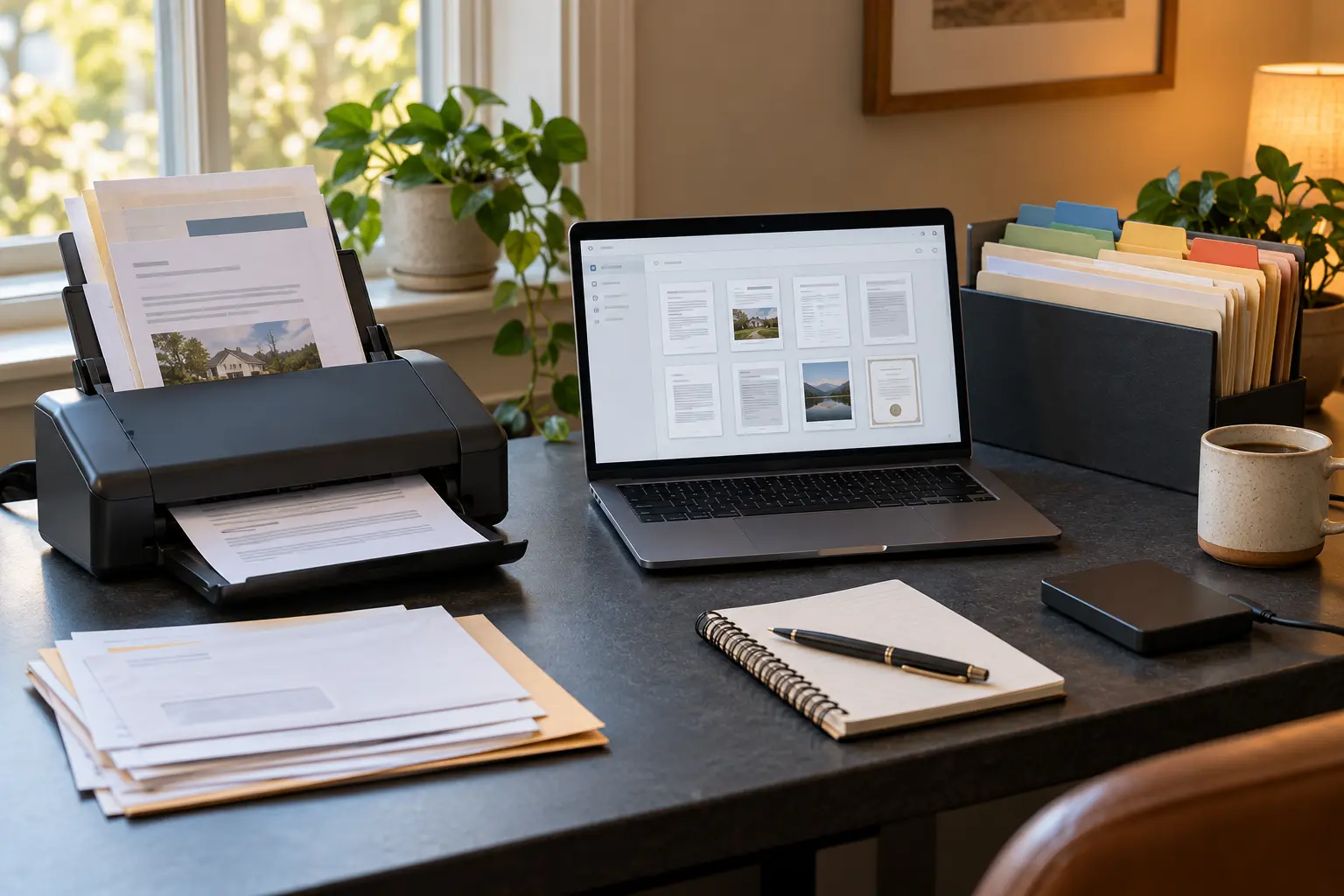
Start with the retrieval question
Scanning every page at the highest setting is not a strategy. Begin with the future task. Will you need to prove a transaction, read a manual, search a correspondence file, preserve a photograph, submit a form or recover after an emergency? The answer determines capture quality, file structure, retention and whether the original remains important.
Create four intake lanes:
- Action now: bills, forms, notices and documents with a deadline.
- Reference: manuals, statements and records likely to be retrieved later.
- Preserve: unique photographs, letters, certificates or material whose physical form carries value.
- Discard without scanning: duplicates, envelopes, generic inserts and low-value paper with no legal, financial, practical or personal use.
The preserve lane deserves special care. A routine office scan may be adequate for reference and inadequate for a unique photograph or annotated original. The Library of Congress notes that format and capture choices should follow intended use. When the physical object matters, scanning creates an access copy; it does not automatically replace the object.
Define document classes before filenames
A small archive becomes easier to manage when every record belongs to a stable class. Keep the list short: identity, tax, property, insurance, health, education, warranty, household, correspondence and archive may be enough. Do not encode every fact into the folder tree. Deep nesting creates ambiguity about where a document belongs.
For each class, write five rules: authoritative location, naming pattern, retention owner, sensitivity and paper disposition. “Tax” may require a year and filing status. “Warranty” may need product, purchase date and serial number stored separately from the filename. “Identity” may require stronger access control and permanent paper retention. Legal and tax requirements vary by jurisdiction and circumstance; use the responsible agency or a qualified professional rather than a generic article to set destruction dates.
Capture for the job, not the maximum number
Use a sheet-fed document scanner for repeatable stacks that can safely travel through a feeder, a flatbed for fragile or irregular originals, and a phone only when lighting, geometry and volume make it reliable enough. The existing document-scanner comparison covers device selection. This workflow begins after the tool is chosen.
Before a batch, remove staples, unfold corners, order pages and separate items that could jam or be damaged. Set duplex capture when backs may contain information. Use color when color carries meaning; otherwise grayscale may be adequate for ordinary text. Do not compress until faint marks, signatures, stamps and small print remain readable at normal review size.
File format is a preservation choice, not a magic badge. The Library of Congress lists PDF/A among preferred formats for some textual works and emphasizes sustainability factors such as disclosure, adoption and self-documentation. That does not make every file labeled PDF/A valid, accessible or immune to corruption. Keep the original capture when preservation value warrants it, and validate the files your actual software produces.
Treat OCR as an index, not the original
Optical character recognition can add a searchable text layer, but it can misread names, account numbers, dates, handwriting, faint type and multi-column layouts. The page image remains the evidence of what was captured. Searchability is a navigation aid unless the text has been verified for the use at hand.
Run three quality checks:
- Completeness: compare page count, sides and sequence with the physical item.
- Visual readability: zoom into fine print, signatures, stamps, photographs and edge content.
- Search test: search a known name, date and distinctive phrase, then inspect the image where OCR and appearance disagree.
For high-consequence data, manually verify the exact field against the image. Never copy an OCR-derived bank number, medication instruction, legal date or identity detail merely because the text layer looks clean.
Use names that survive the app
The Library of Congress personal-archiving guidance recommends descriptive filenames and copies in different places. A durable household pattern can be simple:
YYYY-MM-DD__source__document-type__subject__status.ext
Examples might encode an insurer, policy notice and effective date without placing a full account number in the filename. Use ISO-style dates so alphabetical order matches time. Keep controlled words such as draft, signed, filed, paid and superseded. Avoid names like scan0042-final-FINAL2.pdf.
Filename visibility is a privacy consideration. Names may appear in cloud activity logs, backups, shared folders and search results. Put the minimum identifying detail needed for retrieval in the filename; keep more sensitive identifiers inside the protected record or a separate index.
Choose one authoritative home
Decide where the working archive lives. It may be a local folder synchronized to a service, an encrypted document system or another arrangement that matches the household threat model. The essential property is not cloud versus local. It is that everyone responsible knows which copy is authoritative and how it is recovered.
Then create independent recovery. Synchronization can propagate deletion and corruption, so it is not automatically a backup. Keep at least one copy on a different device or service boundary and test opening a sample from that copy. The backup media guide helps select storage by recovery need, while the personal threat-modeling worksheet helps set access controls without chasing perfect secrecy.
Decide what happens to the paper
Paper can be recycled, shredded, returned, archived or held until a future trigger. Match destruction to sensitivity. A marketing insert does not require the same handling as a document containing identity, financial or health information. A home shredder has realistic feed and duty limits; a verified service may fit a large purge better. Use the paper-shredder decision guide for that separate tool choice.
Some originals should remain: vital records, negotiable instruments, documents with seals, items required by a counterparty, irreplaceable family materials and records whose physical authenticity may matter. The exact list depends on law, institution and purpose. When uncertain, retain the original and ask the issuing authority or qualified adviser.
A fifteen-minute intake protocol
- Empty the inbox and sort into action, reference, preserve and discard lanes.
- Handle deadline items before archive work.
- Group safe feeder pages by document class and capture setting.
- Scan one small batch; do not mix unrelated records into one file.
- Check page count, orientation, edges and readability against the paper.
- Run OCR when useful and verify critical fields against the image.
- Rename with the agreed pattern and move the file to its authoritative folder.
- Confirm backup or queue it for the next verified backup run.
- Record any retention or review trigger in a source freshness ledger.
- Only then move paper to recycle, secure destruction or physical archive.
Stop after one intake window. A repeatable fifteen minutes is more valuable than a heroic weekend that produces an archive no one maintains.
The eight-field intake record
| Field | Question |
|---|---|
| Class | What stable record category owns this item? |
| Purpose | What future retrieval or proof does it support? |
| Capture | Feeder, flatbed or phone; color, duplex and resolution appropriate? |
| Quality | Complete, readable, ordered and critical fields verified? |
| Name | Descriptive, sortable and minimally sensitive? |
| Authority | Where does the canonical working copy live? |
| Recovery | Which independent copy exists, and when was restore tested? |
| Disposition | Retain, review, recycle or securely destroy—and under whose rule? |
Primary guidance
- Library of Congress: Personal Digital Records, for identifying records, descriptive filenames and copies on different media.
- Library of Congress: How to Scan Your Personal Collections, for planning, formats, descriptions and geographically separate backups.
- Library of Congress: Guidelines for Preservation Digitization, for matching capture characteristics to intended use.
- Library of Congress Recommended Formats Statement, for current institutional format preferences and their scope.
- Library of Congress: PDF/A format description, for the format family's purpose, versions and sustainability context.
END OF FIELD GUIDE 076
Keep the question. Test the model.
Choose the narrowest claim the evidence can carry, then leave room for revision.