A home security camera is an evidence system, not just a lens. The useful question is not which camera has the most features. It is whether the system records the right area, preserves the event through the failure you care about and lets an authorized person retrieve footage without creating a larger privacy problem.
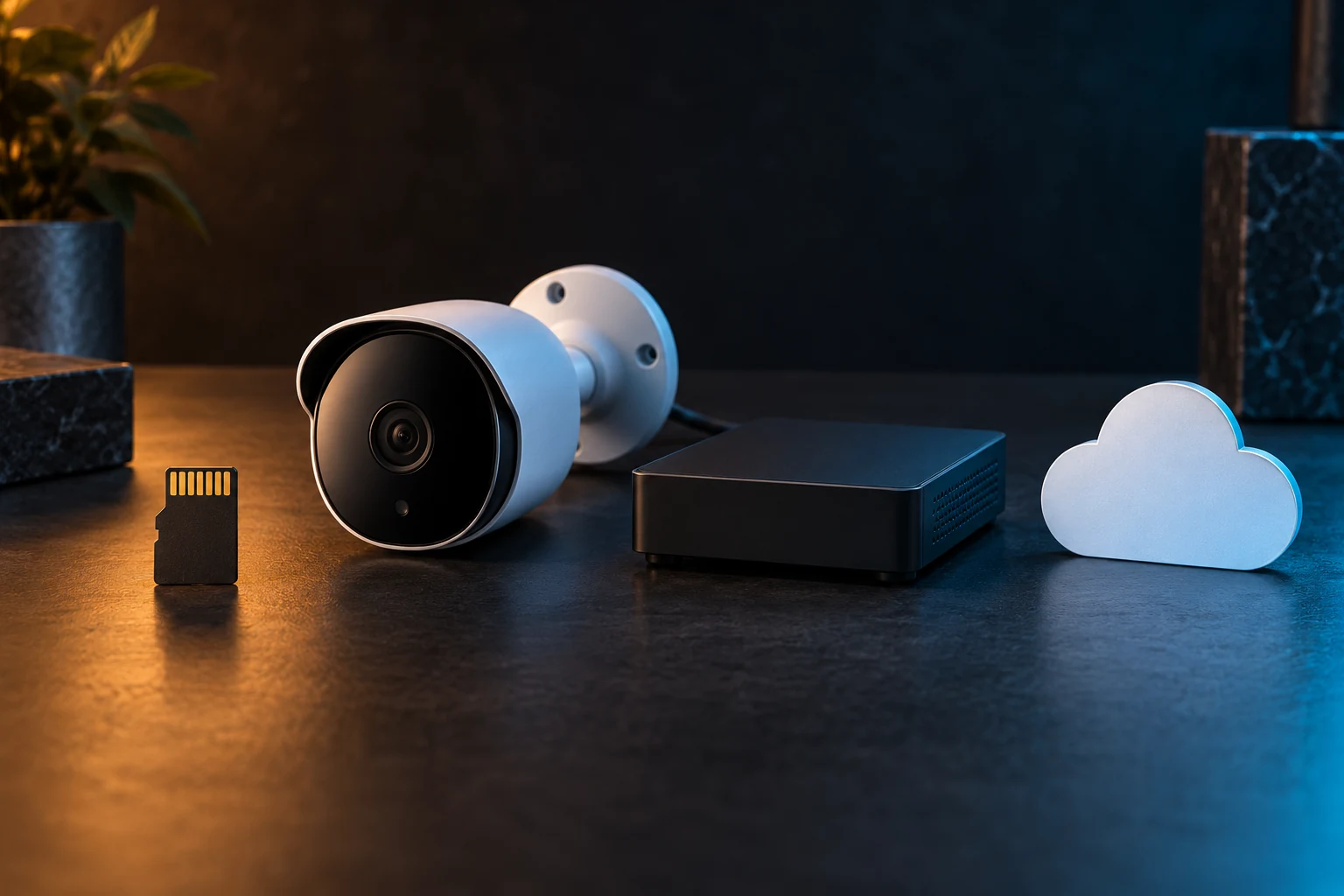
Storage architecture drives much of that answer. Removable local storage keeps footage near the camera. A local recorder centralizes several cameras. Cloud storage moves selected evidence off-site. Hybrid systems combine paths. None is automatically private, reliable or cheaper; each moves the dependency.
Define the event and the adversary first
A package arrival, wildlife crossing, driveway vehicle and attempted entry require different coverage and retention. Write the event, area, useful detail, review delay and failure to survive. “See a face at the door after the camera is removed” is more actionable than “best security.”
Do not confuse more recording with more safety. Cameras cannot replace locks, lighting, alarms, safe behavior or emergency response. They may deter some conduct and document some events. They can also capture neighbors, visitors and household life, creating data that must be governed.
Local removable storage: simple, but stored at the edge
A camera that records to a supported microSD card can work without a separate recorder. This can fit one or two low-consequence locations where local review is acceptable and the device is difficult to reach. Verify the exact model's supported capacity, required file system, overwrite behavior, event-only versus continuous recording, encryption and export process.
The central tradeoff is evidence concentration. If the camera and card leave together, the footage may leave too. A card can also wear out under continuous writing; use the endurance class and replacement guidance specified by the camera and card manufacturers. “Supports local storage” does not establish how long data remains or whether another device can read it.
Fits: a small installation with modest retention needs and a user willing to inspect card health. Skip it: when the event must survive camera theft or several cameras need one searchable timeline.
Local recorder: centralized control with a bigger box to protect
A network video recorder can collect streams from several compatible cameras and retain footage on local drives. Wired Power over Ethernet can carry data and power over one cable when every component is designed for it, but installation, surge protection, grounding and cable routes may require a qualified low-voltage or electrical professional.
Compatibility must be checked model by model. The ONVIF profile system defines sets of features for interoperable network video products. A claimed profile is useful evidence only when both exact products are conformant and the needed feature belongs to that profile. It does not promise that every vendor-specific alert, audio function or analytics feature will cross brands.
A recorder avoids a required footage-storage subscription, but it creates local responsibilities: drive health, capacity, software updates, administrator credentials, physical placement and export testing. Remote viewing may still use a vendor relay or account even when recordings remain local; verify network behavior rather than assuming “local” means “never contacts the cloud.”
Fits: several cameras, longer local retention and an owner willing to administer the system. Skip it: when there is no secure recorder location, no maintenance owner or no practical cable path.
Cloud storage: off-site evidence with service dependence
Cloud recording can preserve footage after a camera or recorder is taken or damaged. It can also simplify remote access and notification. The tradeoffs are recurring cost, internet dependence, account security, provider retention rules, changing plan features and disclosure of household video to an external service.
Read the current plan page and privacy documentation for the exact model and region. Confirm whether recording is continuous or event-based, how many days are retained, whether clips can be exported in a standard format, what happens when a subscription lapses and which features stop during an internet outage. Do not rely on an old review; plans and device support can change.
Fits: a household that values off-site survival and accepts the documented service relationship. Skip it: when connectivity is unreliable, recurring fees are unwanted or external video retention conflicts with the household's privacy boundary.
Hybrid: two paths only if they fail differently
Hybrid storage can keep routine footage locally and copy selected events off-site. This may protect against both internet outages and physical loss. It is strongest when the paths are genuinely independent and the household understands which footage reaches each location.
Two icons in an app do not guarantee redundancy. A cloud clip may be generated only after the local camera detects and uploads an event. A local recorder and cloud account may share the same credentials. A power failure can stop both if the router, camera and recorder have no safe runtime. Test the specific failure rather than counting storage destinations.
The storage decision matrix
| Decision | Local card | Local recorder | Cloud | Hybrid |
|---|---|---|---|---|
| Works through internet outage | Often, if camera has power | Often, if local network and recorder have power | Usually cannot upload new footage | Local path may continue |
| Survives camera theft | Weak if card leaves with camera | Yes if stream reached protected recorder | Yes if clip uploaded first | Potentially strongest |
| Administration | Card health per camera | Recorder, drives, updates and network | Account, plan and privacy settings | Both local and service maintenance |
| Recurring service cost | Usually none for storage | Usually none for storage | Common | Common for cloud portion |
| Privacy boundary | On device | Inside local system | External provider | Split; document which events leave |
“Often” and “usually” are deliberate. Exact behavior is model-, configuration- and plan-specific. Verify the manual and current service terms before purchase.
Calculate retention before buying capacity
For continuous recording, approximate storage as: bitrate × seconds recorded × number of cameras ÷ eight. Then add margin for variable bitrate, audio, metadata and reserved space. Event-only systems require a realistic estimate of triggered minutes, not a marketing maximum.
For example, doubling camera count or retention days roughly doubles required storage when the other factors remain constant. Increasing resolution may raise bitrate, but compression, frame rate, scene motion and image quality settings also matter. Use the manufacturer's bitrate or storage calculator for the exact configuration, then verify actual retention after installation.
The cybersecurity and privacy gate
- Updates: confirm a published support or update policy for the exact device.
- Identity: require unique credentials and multifactor authentication where available; protect the recovery route too.
- Access: list household members and integrations that can view, export or share footage.
- Network: understand whether remote access opens inbound ports, uses a vendor relay or can remain local.
- Retention: set the shortest period that serves the stated purpose and delete exports when no longer needed.
- Placement: avoid private interior areas and unnecessary views beyond the property; audio and video laws vary by location, so check current local requirements.
NIST's consumer IoT cybersecurity criteria identify capabilities such as device identification, configuration, data protection, interface access control, software update and cybersecurity state awareness. The framework is not a product endorsement. Use it as a question set.
The U.S. Cyber Trust Mark program is a voluntary consumer-labeling program for qualifying wireless products. Check the FCC's current program information and the product's registry record rather than treating a logo as permanent proof of every security property.
What not to buy
- A camera whose support period, update process or storage behavior cannot be identified.
- A cloud-only system when the location regularly loses internet and local evidence matters.
- A local-only camera placed where the camera and card can be removed together when off-site survival is the main requirement.
- A recorder advertised as universal without exact camera, profile and feature compatibility.
- More resolution than the network, lighting, storage and placement can usefully support.
- An interior camera for convenience when a less invasive sensor can answer the same question.
The pre-purchase worksheet
- Write the event, area and detail that must be captured.
- Name the failure the evidence must survive.
- Choose card, recorder, cloud or hybrid on that basis.
- Verify exact-model power, network, storage, export and update requirements.
- Calculate retention and test whether exported footage opens outside the vendor app.
- Document privacy zones, account access and a quarterly review owner.
Commercial disclosure: Life in the Simulation has no approved affiliate program for this domain, so this guide contains no paid product links. Standards and regulatory links are direct and non-affiliate. No camera, recorder, card or subscription was hands-on tested, rated or endorsed by the publication.
Official references
- NISTIR 8425: Profile of the IoT Core Baseline for Consumer IoT Products.
- FCC: U.S. Cyber Trust Mark, for current voluntary consumer-labeling program information.
- ONVIF Profiles, for defined network-video interoperability feature sets and conformance context.
END OF FIELD GUIDE 061
Keep the question. Test the model.
Choose the narrowest claim the evidence can carry, then leave room for revision.