A faster internet plan will not repair a router buried in a cabinet. A Wi-Fi 7 label will not make an older phone use the 6 GHz band. Three mesh nodes placed beside one another will not cover a distant room. Home Wi-Fi improves when the architecture matches the building, devices and wiring—not when the box carries the largest number.
The choice is usually among one well-placed router, a coordinated wireless mesh system and multiple access points connected by Ethernet. Each can be correct. The expensive mistake is buying before identifying whether the problem is the internet connection, radio coverage, interference, client capability, local wiring or an aging device.
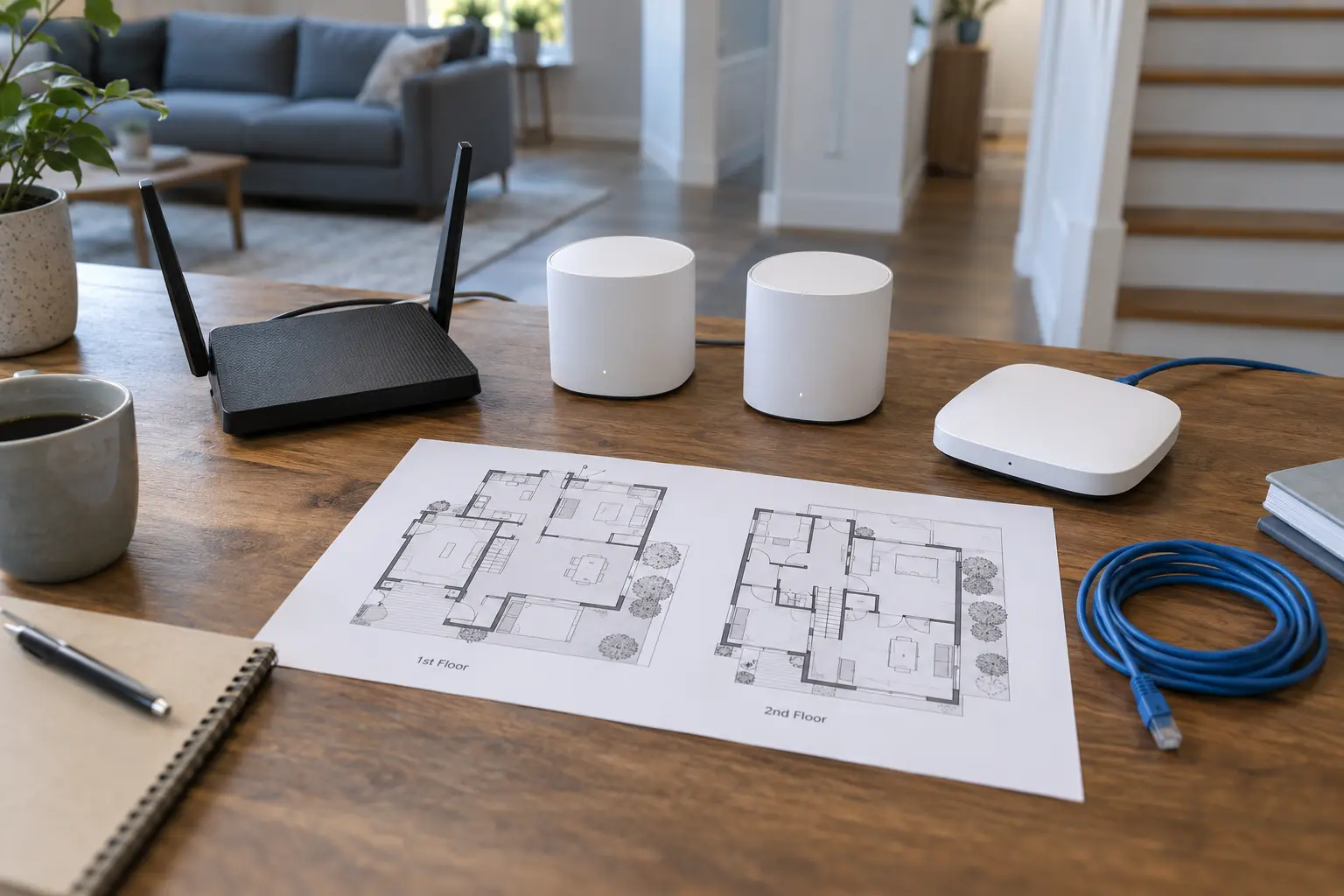
Diagnose the failure before shopping
Run a wired speed test from a computer connected directly to the primary router when practical. Then test Wi-Fi near the router and in the rooms that matter. Repeat at the same locations and similar times. Record download, upload, latency and whether calls, streaming or file transfers actually fail.
If wired performance is also poor, investigate the internet service, modem or gateway before adding Wi-Fi nodes. The FCC's broadband consumer labels are designed to disclose typical speeds, latency, data allowances and pricing for service plans; they do not promise that every room in a house will receive the plan speed over Wi-Fi.
If performance is good near the router but collapses through floors, masonry, metal ductwork or distance, the problem is coverage. If one old device is slow beside a fast modern device, investigate the client. If performance drops only during busy periods, look at channel congestion, household traffic and internet capacity.
One router: the honest default
Choose one router when the home is modest in size, the router can sit near the center, construction is radio-friendly and tests show usable service in every important room. One device is simpler to secure, update and restart. It avoids node-placement and backhaul questions and is usually the least expensive architecture.
Placement matters more than furniture aesthetics. Put the router in the open, elevated, away from large metal objects, aquariums and dense utility spaces. Do not hide it at one end of the basement because the cable enters there if Ethernet or a longer provider handoff can move it to a useful location.
Skip the upgrade if moving the existing router, replacing a damaged cable, updating firmware or wiring a stationary television or computer solves the measured problem. A new generation label is not a remedy for bad placement.
Wireless mesh: easier coverage, shared radio constraints
A consumer mesh system coordinates a primary unit and one or more nodes under one network. It fits homes where running Ethernet is difficult, coverage must cross several rooms or floors and straightforward app-based management matters more than maximum control.
Mesh nodes need a strong connection to one another. A node placed inside the dead zone has little useful signal to repeat. Start roughly between the primary unit and the failing area, then test. More nodes are not automatically better; excessive overlap and poor placement can add complexity without fixing the path.
With wireless backhaul, node-to-node traffic uses radio capacity. The exact performance depends on bands, channel conditions, client placement and product design. Some systems dedicate or dynamically allocate capacity for backhaul; some support Ethernet backhaul. Do not accept a universal percentage-loss claim. Ask instead whether the intended path has a clean link and whether a cable can carry the inter-node traffic.
Choose mesh when you need a coordinated, relatively simple system across a difficult layout and cannot wire access points. Skip mesh when one router already covers the home, you need deep network controls the product does not expose, or every important location can be wired cleanly.
Wired access points: infrastructure first
A wired access point connects back to the router or network switch over Ethernet and provides Wi-Fi in its local area. This fits renovations, offices, large homes, outbuildings with a proper network link and households that value predictable backhaul and long-term expandability.
The cable does not make radio planning irrelevant. Access points still need sensible placement, compatible power—often Power over Ethernet—and coordinated channels and settings. Mixing business-oriented equipment can require a controller, cloud account, local application or more networking knowledge. Check the exact ecosystem before buying.
Choose wired access points when Ethernet can reach the coverage zones, stable local performance matters and someone will maintain the system. Skip them when cable installation is disproportionate, the household wants provider-managed simplicity or the chosen hardware requires expertise nobody intends to supply.
Wi-Fi 6, 6E and 7: compatibility before capability
Wi-Fi generations describe sets of capabilities; they do not guarantee a household result. Wi-Fi 6E extends Wi-Fi 6 operation into the 6 GHz band where supported. Wi-Fi 7 adds capabilities including multi-link operation and wider channels in supported bands. The router and client both need compatible radios, software and regional support to use those features.
The 6 GHz band offers cleaner spectrum and high capacity at short range, but higher-frequency signals generally lose more energy through distance and obstacles than lower-frequency signals under comparable conditions. A 6 GHz connection can be excellent in the same room and unavailable where 2.4 GHz still works. That is not a defective product; it is why band, placement and building materials belong in the plan.
Inventory the devices that do the real work. If most clients use Wi-Fi 5 or Wi-Fi 6, a Wi-Fi 7 system may improve management or future headroom but cannot upgrade their radios. Check phones, laptops, game systems, smart-home devices and work equipment separately. Older or simple devices may depend on 2.4 GHz and older security modes.
The eight buying checks
- Measured problem: Which room, device and task fails, and what does the wired baseline show?
- Building path: Count floors and identify masonry, plaster mesh, metal, mirrors, appliances and utility spaces between nodes.
- Backhaul: Decide whether each satellite will use Ethernet, a dedicated radio path or shared wireless capacity.
- Client mix: List the Wi-Fi generations and bands the important devices actually support.
- Ports and power: Confirm Ethernet port speeds, switch needs, Power over Ethernet requirements and power-outlet locations.
- Security lifetime: Check automatic-update behavior, support policy, WPA3 options, guest networking and the procedure when support ends.
- Management boundary: Determine whether setup or routine control requires a cloud account, subscription, phone app or continuous vendor service.
- Exit path: Know whether nodes work only within one brand family and what must be replaced if the system is abandoned.
Security and privacy are product features
Change default administrator credentials, use current encryption supported by all necessary devices, install firmware updates and disable remote administration or legacy convenience features you do not need. Keep guest or untrusted devices separated when the system supports it. CISA's home-network guidance emphasizes changing defaults, updating firmware, using strong encryption and reducing unnecessary exposure.
Cloud-managed systems can simplify updates and remote help, but the account becomes part of the security boundary. Protect it with a unique password and multifactor authentication when available. Read what diagnostic and usage data the management service collects. The site's Personal Threat Modeling guide helps distinguish plausible household risks from fear-based purchasing.
DNS filtering, VPNs and parental-control subscriptions do different jobs from Wi-Fi coverage. Private DNS Without the Hype explains resolver choices; it will not make a weak radio link stronger.
Run the no-buy trial
- Update the current router and save or document its configuration.
- Move it into the open and as centrally as cabling permits.
- Wire stationary high-traffic devices when practical.
- Retest the same rooms and tasks for three days.
- Borrow a long Ethernet cable temporarily to test whether wired backhaul fixes the distant zone.
- Replace the system only if the remaining failure is clear enough to name.
If the provider's gateway covers the house reliably, keeping it is a valid answer. Ownership makes sense when it provides a feature, support term, control or long-run cost advantage you can actually use—not because rented equipment feels insufficiently serious.
What not to buy
Do not buy by theoretical link rate, antenna count or house-square-foot claim alone. Do not mix nodes merely because they share the word “mesh”; ecosystem compatibility is product-specific. Do not buy 6 GHz coverage for clients that cannot use 6 GHz. Do not add a node where it cannot receive a clean backhaul signal. Do not purchase unsupported used hardware for the center of a home network without understanding its firmware status.
Avoid subscription features unless their ongoing job is clear. Security scans, parental controls and support can be useful, but a recurring fee should not be confused with basic radio performance. Record which functions disappear if the subscription ends.
The five-minute decision
- Every important room works after repositioning: keep one router.
- Coverage fails across floors and Ethernet is impractical: compare a coordinated mesh system with two well-placed nodes before buying three.
- Ethernet reaches the weak zones: compare wired access points or a mesh system using Ethernet backhaul.
- Only one client is slow: fix or replace the client before rebuilding the network.
- Wired internet is below the service expectation: resolve the modem, gateway or provider issue first.
Commercial disclosure
The manufacturer and certification links below are direct, non-affiliate references. Life in the Simulation has no approved affiliate program configured for this domain and receives no commission from them. No router, mesh system or access point was hands-on tested for this guide. Features, support periods and availability can change; verify the exact product, firmware policy and client compatibility before purchase.
Official standards, security and shopping references
- Wi-Fi Alliance, Wi-Fi CERTIFIED 6 and Wi-Fi CERTIFIED 7, for generation capabilities and certification context.
- FCC, Broadband Consumer Labels, for separating service-plan disclosures from in-home Wi-Fi results.
- CISA, Securing Wireless Networks, for home-router configuration and maintenance guidance.
- eero Support, official placement guidance and wired-backhaul guidance.
- Ubiquiti, current access-point category, and eero, current mesh category, as non-affiliate examples to compare after the architecture decision.
END OF FIELD GUIDE 043
Keep the question. Test the model.
Choose the narrowest claim the evidence can carry, then leave room for revision.